
This edition covers updates released October 12–18, 2026: artifact cover previews and improvements to fullscreen viewing, image zoom, composer menus, and URL highlighting. We also have an update on our compliance program, a guide to earning more credits, and photos from our October 15 LA Tech Week panel.
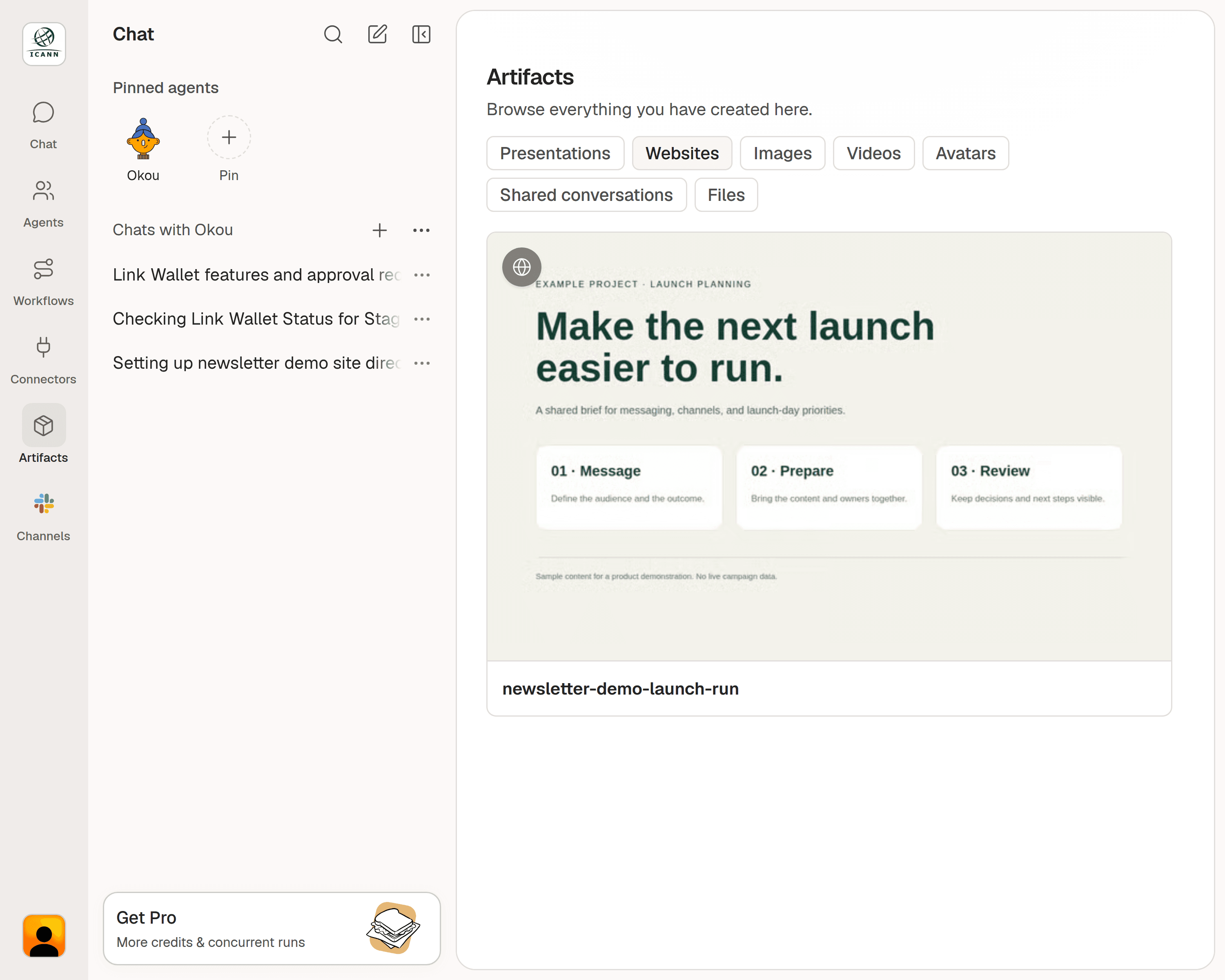
Artifact cover previews
New capability · Available since October 13.
Recognize an HTML artifact before opening it. Artifacts with a cover image now show that image in the Artifacts view, so you can identify a website or other HTML output at a glance.
Open Artifacts, choose the relevant category, and select the preview to open your work.
More stable fullscreen previews
Improvement · Available since October 12.
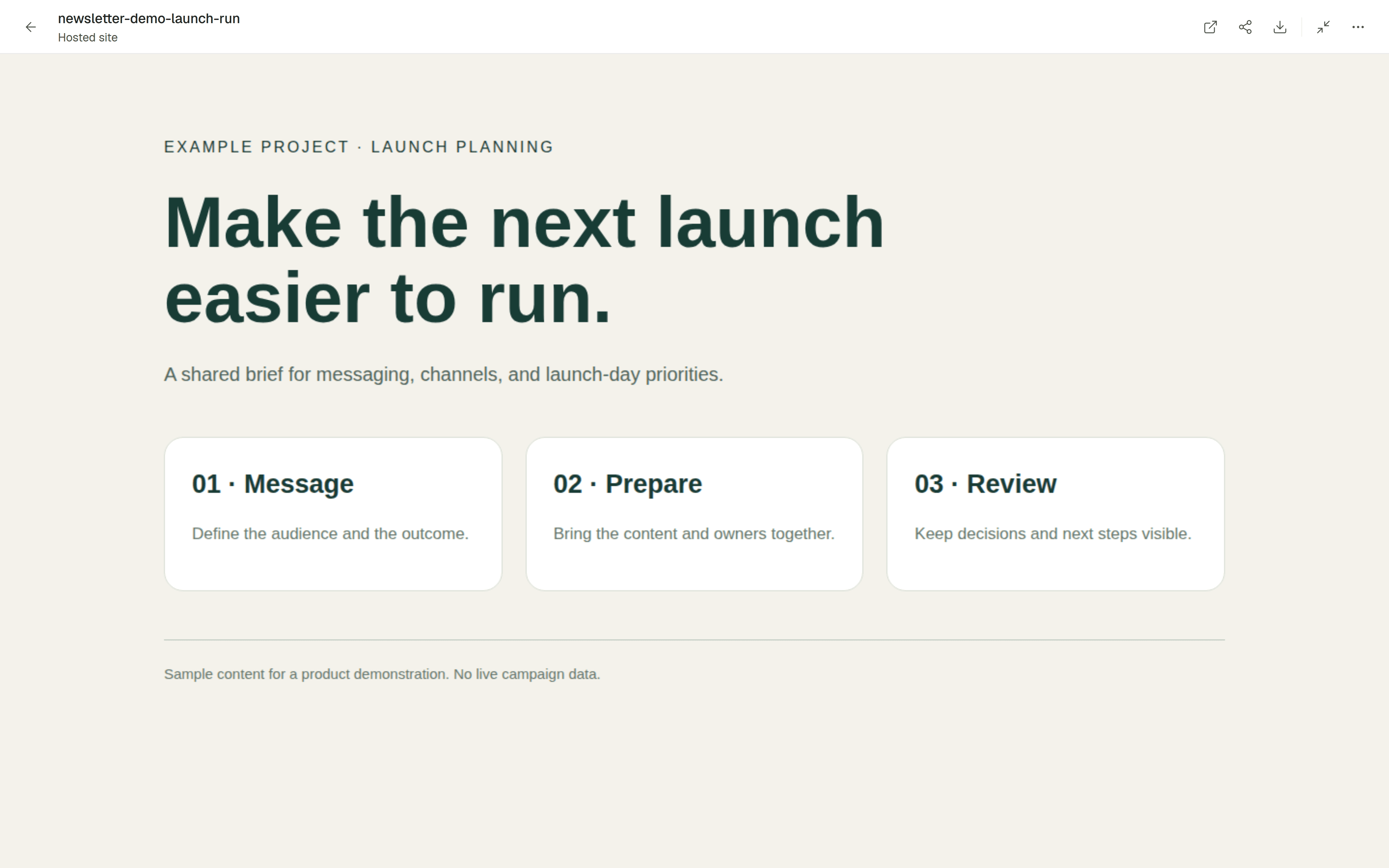
Expand an artifact preview to fullscreen, then return to the sidebar with the same preview still loaded. You can move between a larger view and your conversation while keeping your work open.
Use the fullscreen control in the artifact toolbar when you need more room to review a website or presentation, then use it again to return to your conversation.
Better image fitting and zoom
Improvement · Available since October 14.
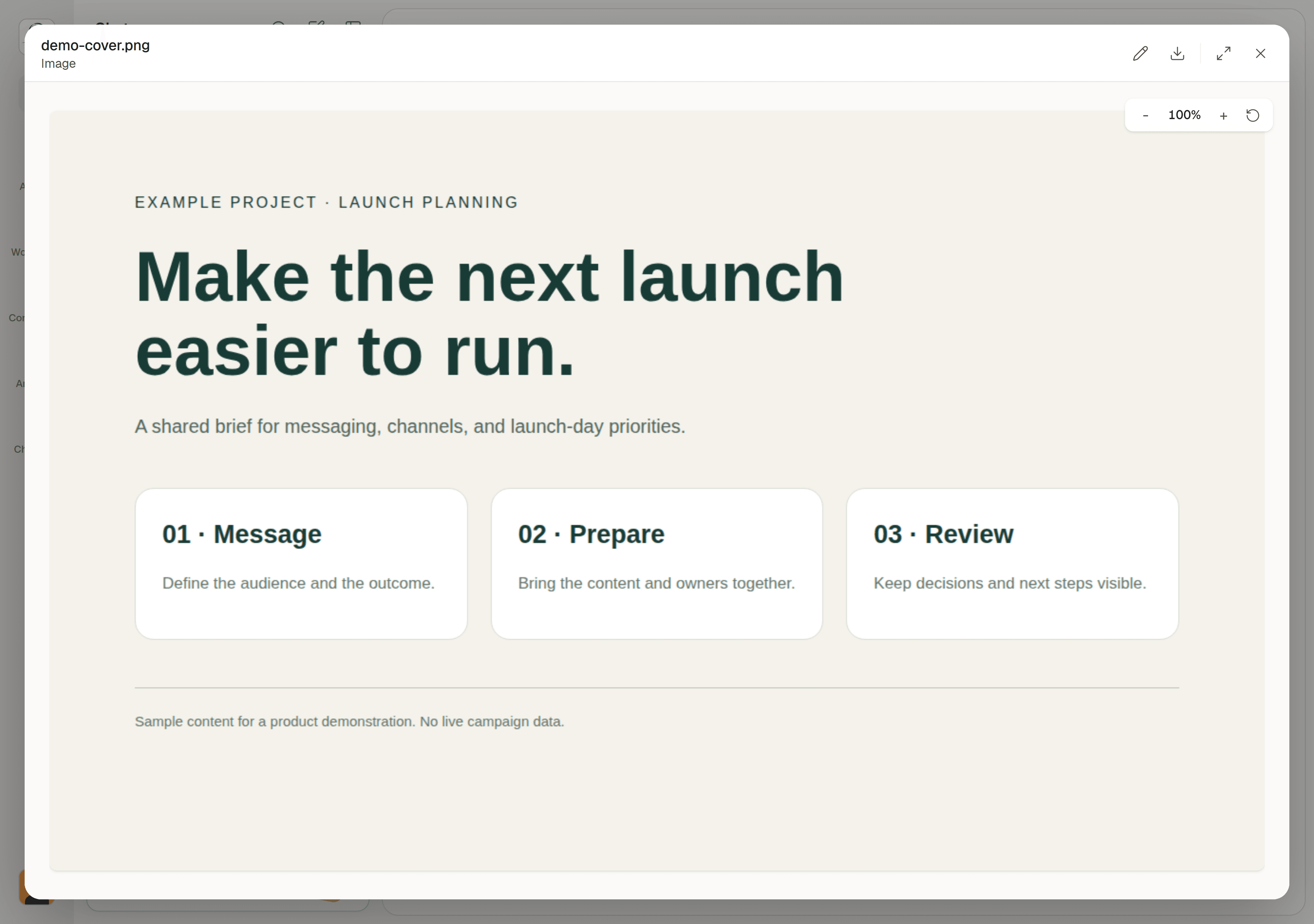
Image previews now fit more reliably in the available space, fixing cases where an image could be clipped at the default view.
Zoom in to inspect a detail and resize your window without losing the zoom level you chose. Use the reset control to return to the fitted view.
Slash and mention menu improvements
Improvement · Available since October 15.
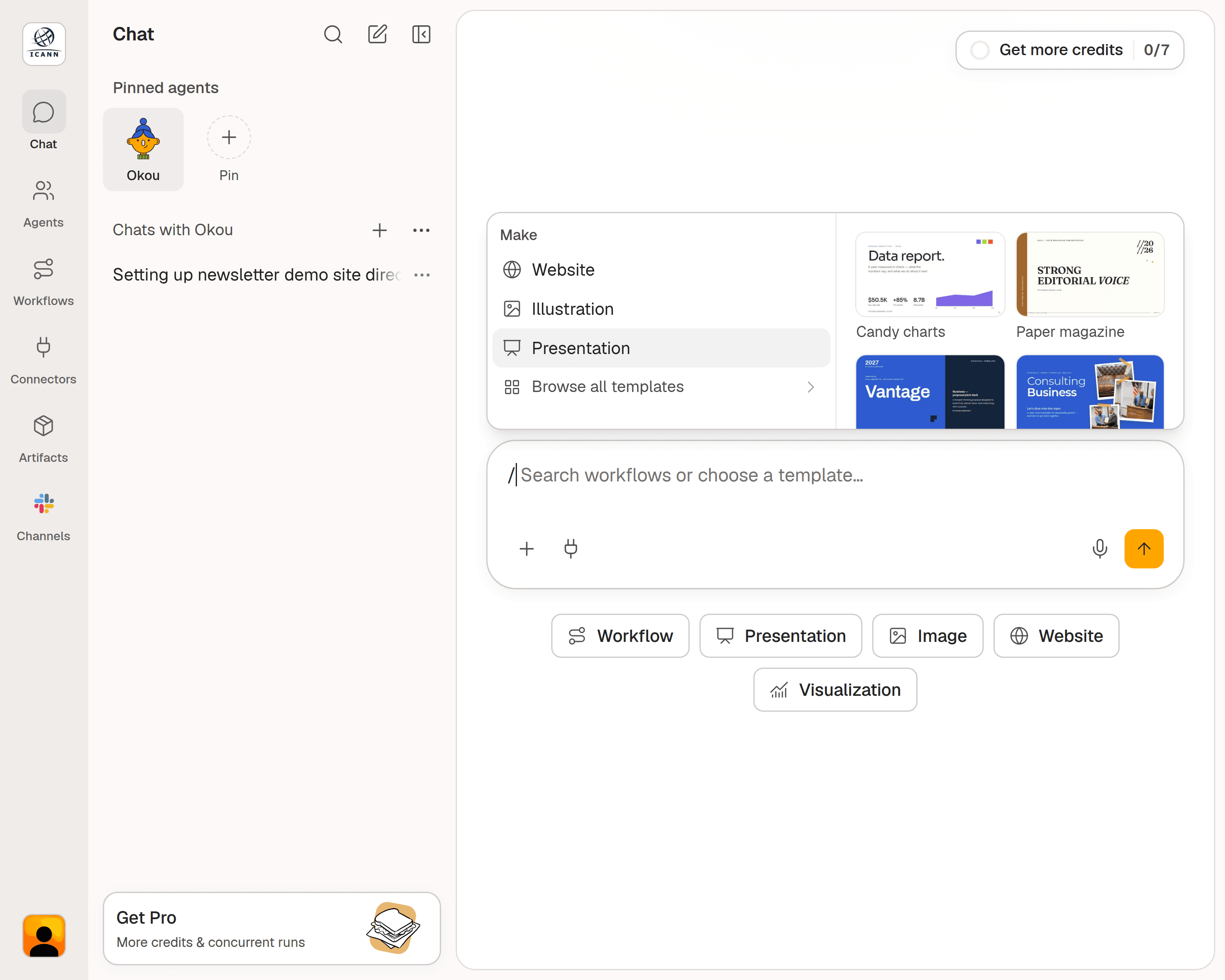
The / and @ menus now stay attached to the message composer and adapt to its width. This makes suggestions easier to follow while you write.
The slash menu opens with a compact overview. On desktop, hover over a template category to see its previews alongside the choices, then select the template you want to use.
URL highlighting while you write
Improvement · Available since October 12.
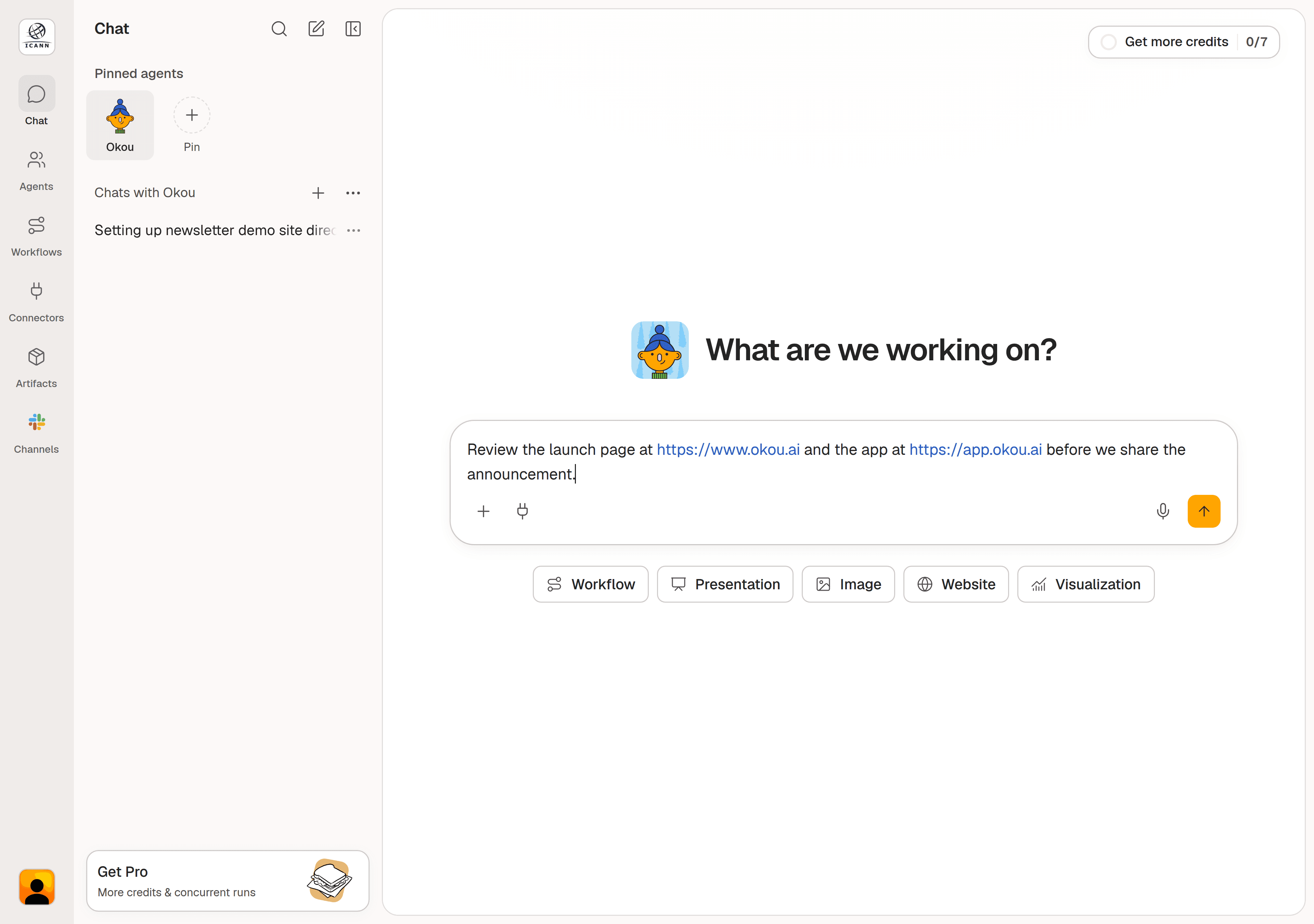
Web addresses now stand out as you type or paste them into the message composer. You can quickly check which links you are including before sending your message.
The addresses remain editable text, so you can correct or replace a URL without leaving your draft.
Compliance progress
Our SOC 2 Type II observation period is underway, with the report expected in Q4 2026.
Our broader compliance program currently includes:
- GDPR and CCPA/CPRA: self-declared compliance. Current privacy documentation and rights-request processes are available on request.
- ISO/IEC 27001:2022: our information security program is aligned with the standard.
- HIPAA: safeguards are aligned with the HIPAA Security Rule.
Read our current security and compliance status.
Get more credits
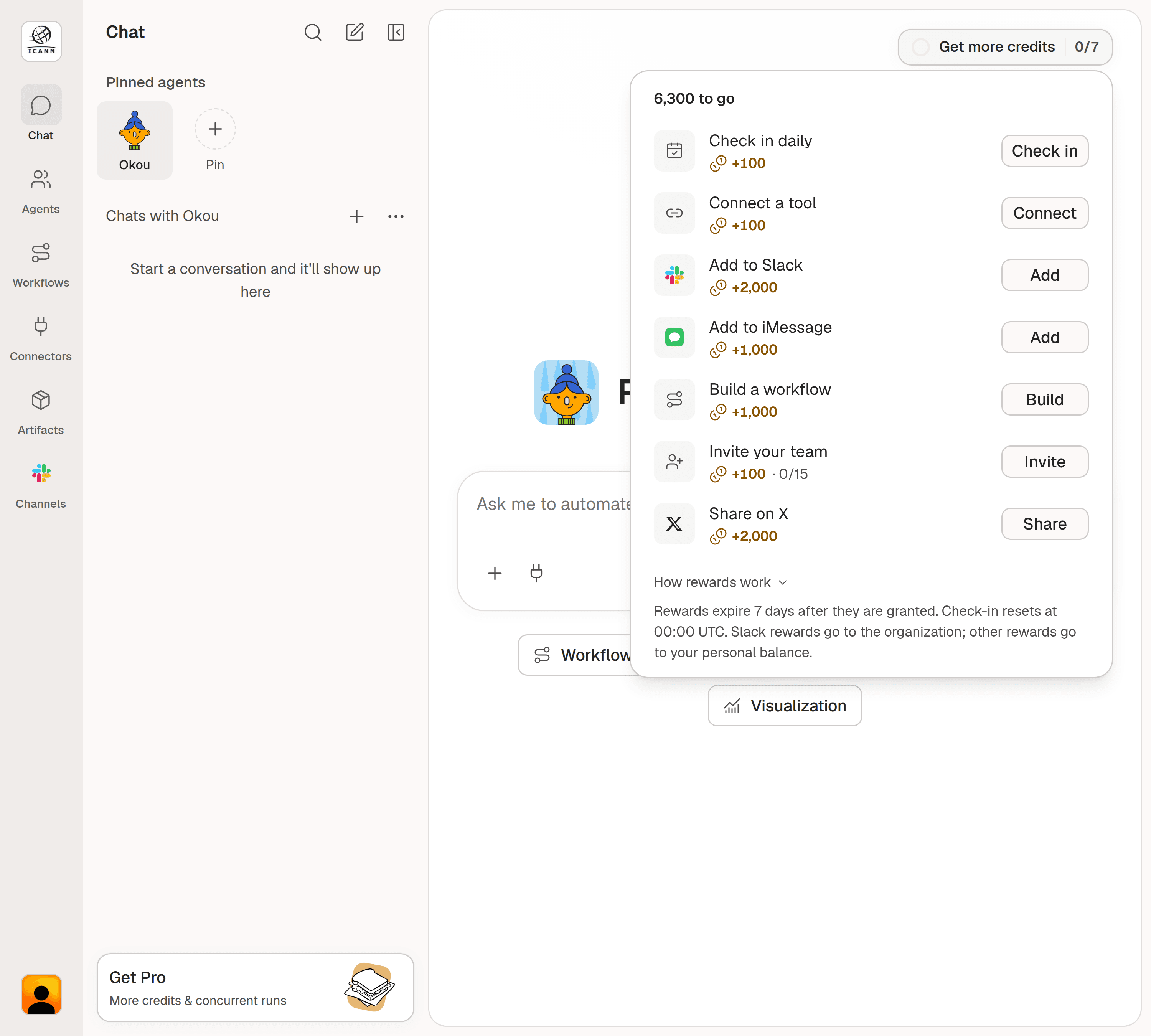
Make room for your next project with credit rewards. Open Get more credits in the top-right corner of chat to see the tasks available to you and their requirements.
| Action | Credits |
|---|---|
| Check in daily | 100 |
| Connect an eligible tool | 100 |
| Add Okou to Slack | 2,000 |
| Add Okou to iMessage | 1,000 |
| Run an eligible workflow to completion | 1,000 |
| Qualifying teammate invite, up to 15 | 100 each |
| Verified X post about Okou | 2,000 |
Available tasks depend on your role and previous rewards. Slack and team-invite rewards are available to organization admins.
Rewards expire seven days after they are granted. Daily check-in resets at 00:00 UTC. Slack rewards go to the organization; other rewards go to your personal balance.
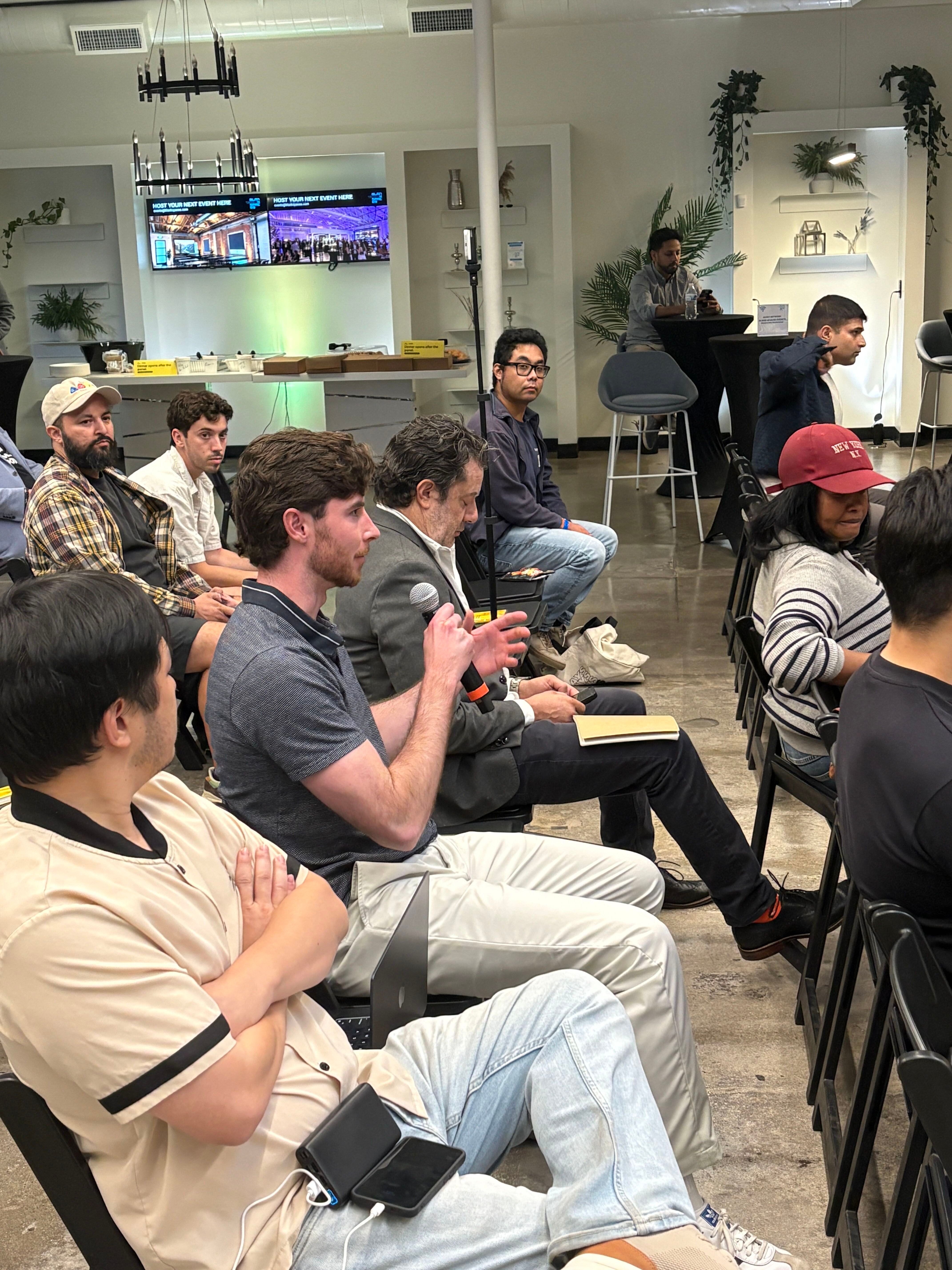
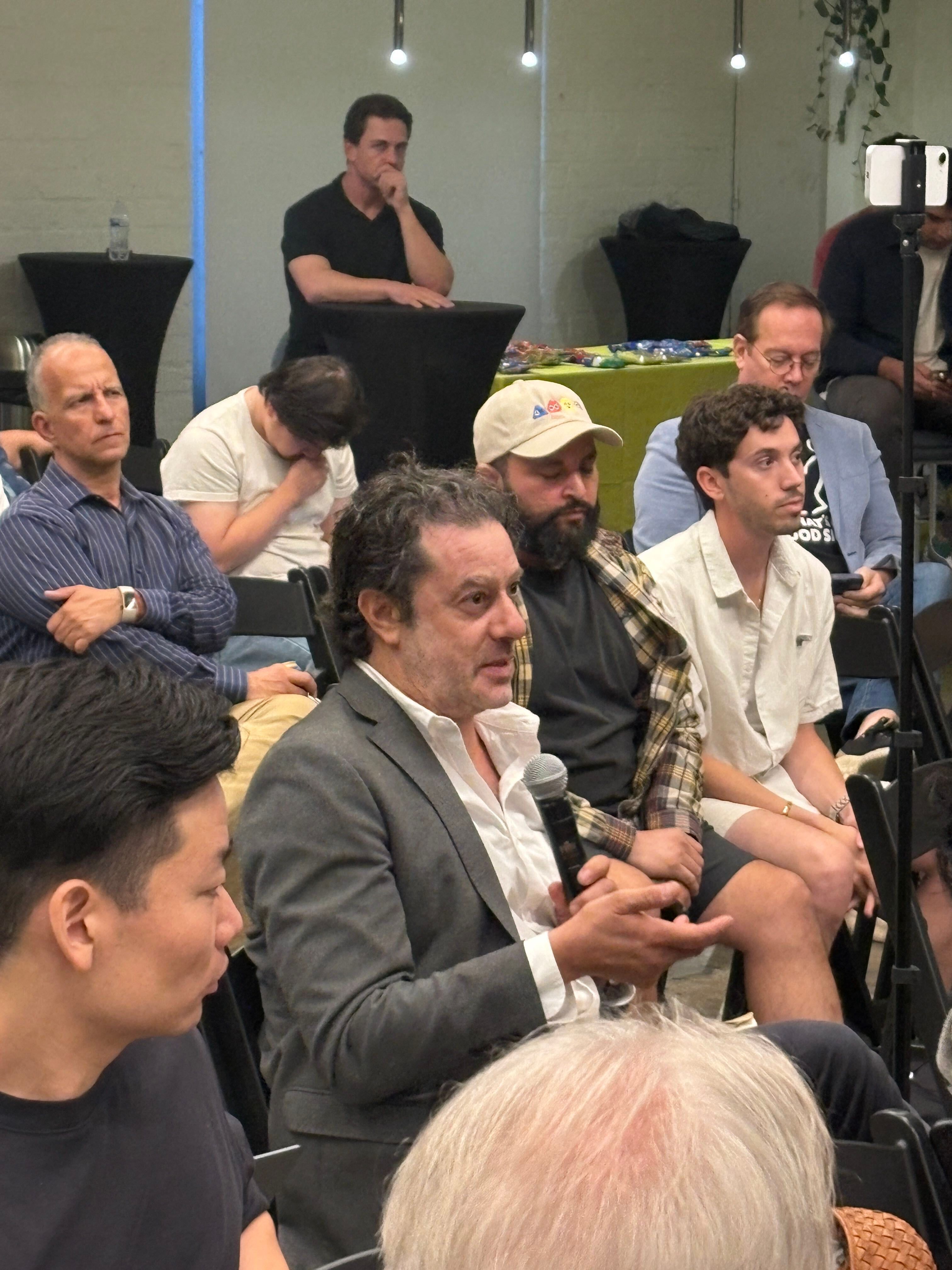
From LA Tech Week
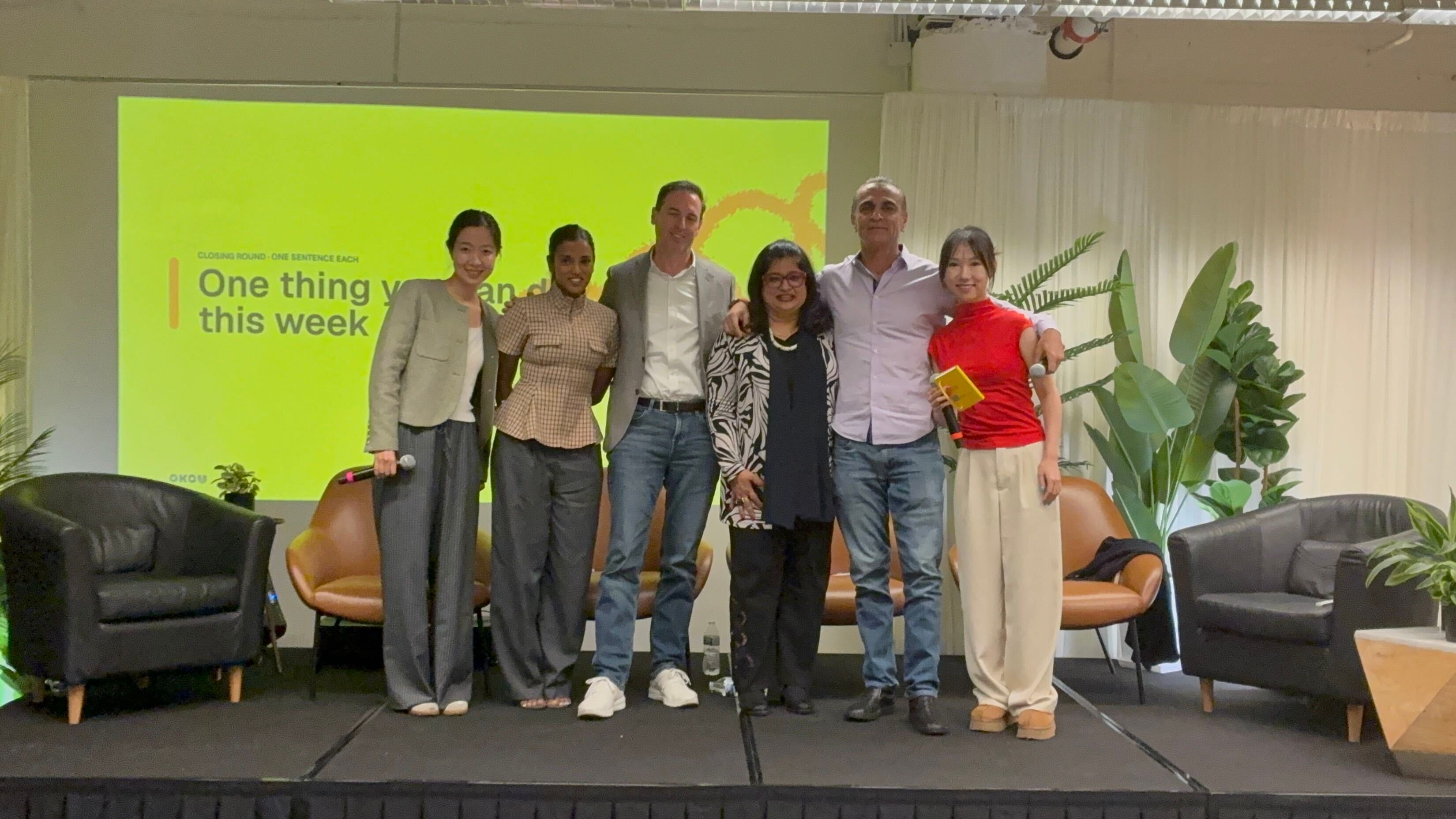
Thank you to everyone who joined us in Santa Monica on October 15 for our LA Tech Week panel: Can AI Teammates Unlock Your Next Stage of Growth? We came together for a conversation about putting AI to work across sales, marketing, and operations.
Open Okou to try the updates, or reply and tell us what would make your next workflow easier.


